
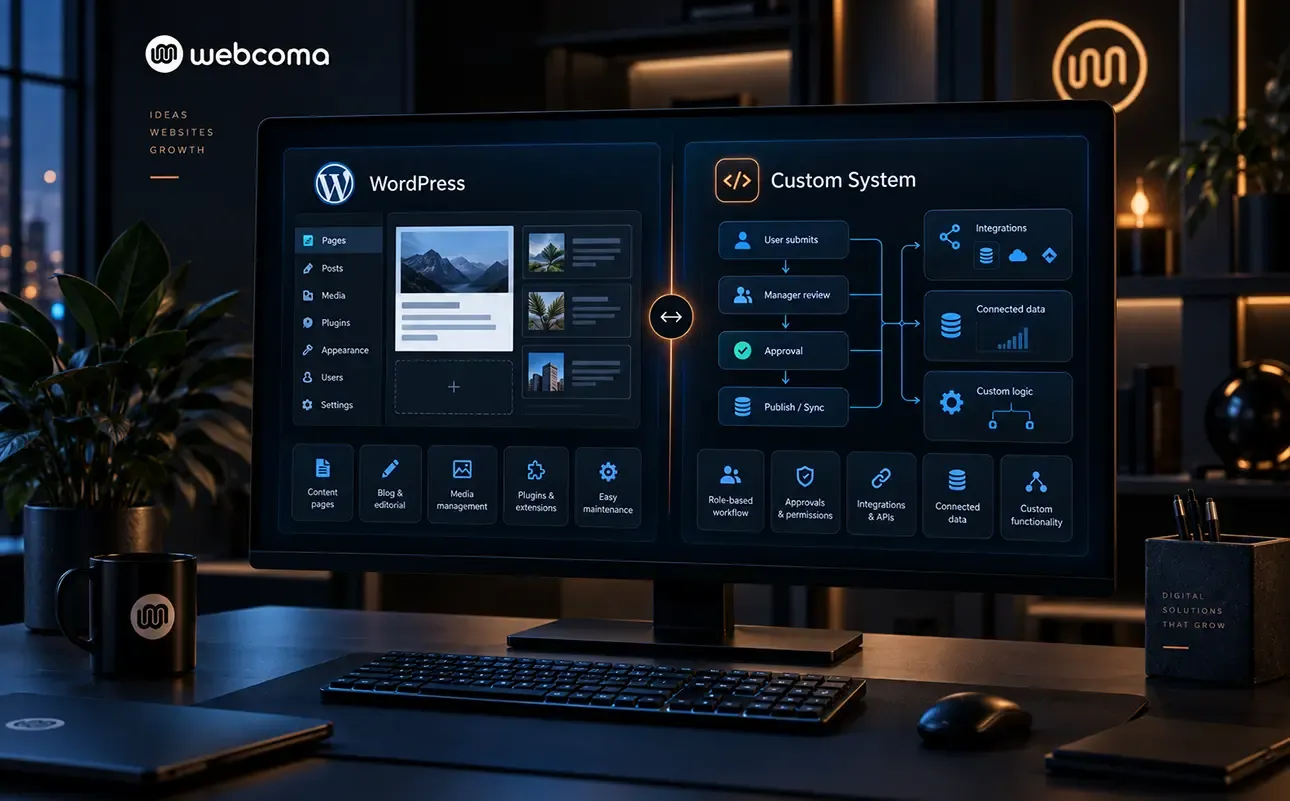

WordPress is a sensible choice when it covers the main task and allows the website to be maintained without unnecessary complexity. A custom system makes sense when a specific workflow drives the requirements and a ready-made foundation would involve too many compromises. There is no universal winner.
At WebComa, we start with how the solution will be used. Technology comes after content, functions, participants and constraints.
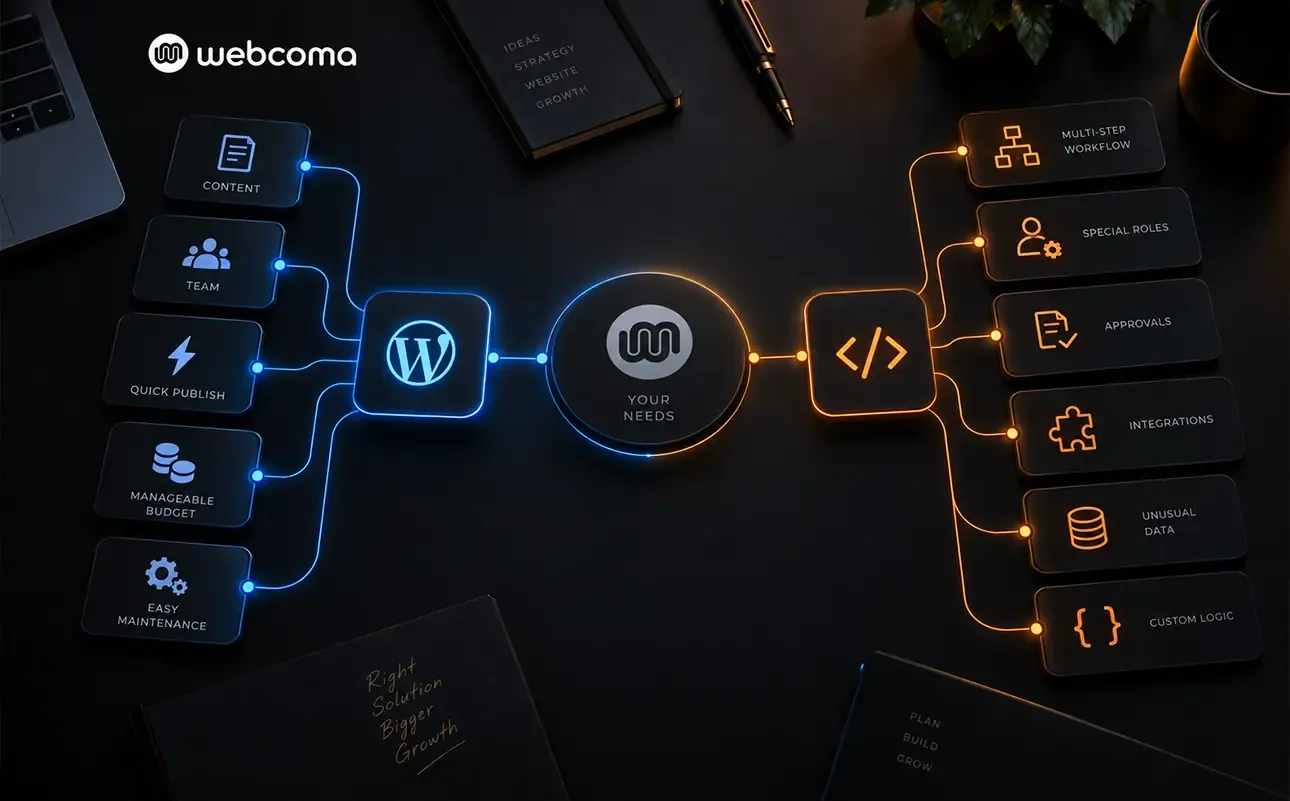
When WordPress may be a sufficient foundation
For a corporate website presenting services, projects, articles and content edited by the team, WordPress is worth considering. Its official feature overview includes pages and posts, media and user management, themes and extensions through plugins.
The question is whether these capabilities, configured appropriately, cover your tasks. A corporate website with standard content does not need a separate system simply because you want everything to be “custom-built”.
The reverse also applies: a plugin with a suitable name does not establish that it supports your process. Its behaviour, limitations and maintenance need to be checked.
When the workflow calls for a different solution
Consider a custom web system if the main task involves managing requests, specific roles, sequential approvals or data with unusual dependencies.
For example, if a request needs to pass through several departments with different permissions and conditions, describe that flow before choosing a platform. Check what happens when a request is rejected, edited or submitted for approval again. If the workflow can only be accommodated through a series of workarounds, there is a reason to assess another approach.
This is an example of how to evaluate a requirement, rather than a claim that such a task is impossible in WordPress. The cost and complexity of the particular implementation matter.
A ready-made platform and custom logic can work together
The choice is not always between a standard website and a wholly custom system. For the Palisandar WooCommerce platform, we used WordPress and WooCommerce while developing specific logic for product variations and catalogue management.
The existing foundation and specialised development are different parts of one solution. This project demonstrates one possible approach, but is not a reason to give every store the same architecture.
What to compare before deciding
| Question | What to clarify |
|---|---|
| Who uses the system? | Visitors, editors and employees with specific roles and permissions. |
| Which behaviour is essential? | Real scenarios, including errors and exceptions, rather than a feature list alone. |
| What is the budget? | Development, licences, hosting, data migration and ongoing care. |
| Who will maintain the solution? | How it is updated, tested and handed over to another team if needed. |
| What future work is known? | Confirmed next steps, kept separate from assumptions. |
If both options appear suitable, ask for a concrete scope for each. Compare what your team will still need to do manually. A low initial price does not explain the full cost of using the solution.
Maintenance remains part of the choice
Neither an existing platform nor custom code removes the need for ongoing care. Agree on who is responsible for updates, backups, access and functional changes.
Custom development does not automatically mean better security or easier development. WordPress does not automatically mean an unsuitable foundation. These qualities need to be assessed within the project.
A useful solution covers the required work with a clear scope and an acceptable maintenance cost. If the requirements are still unclear, the first task is to define them, rather than choose technology out of habit.