

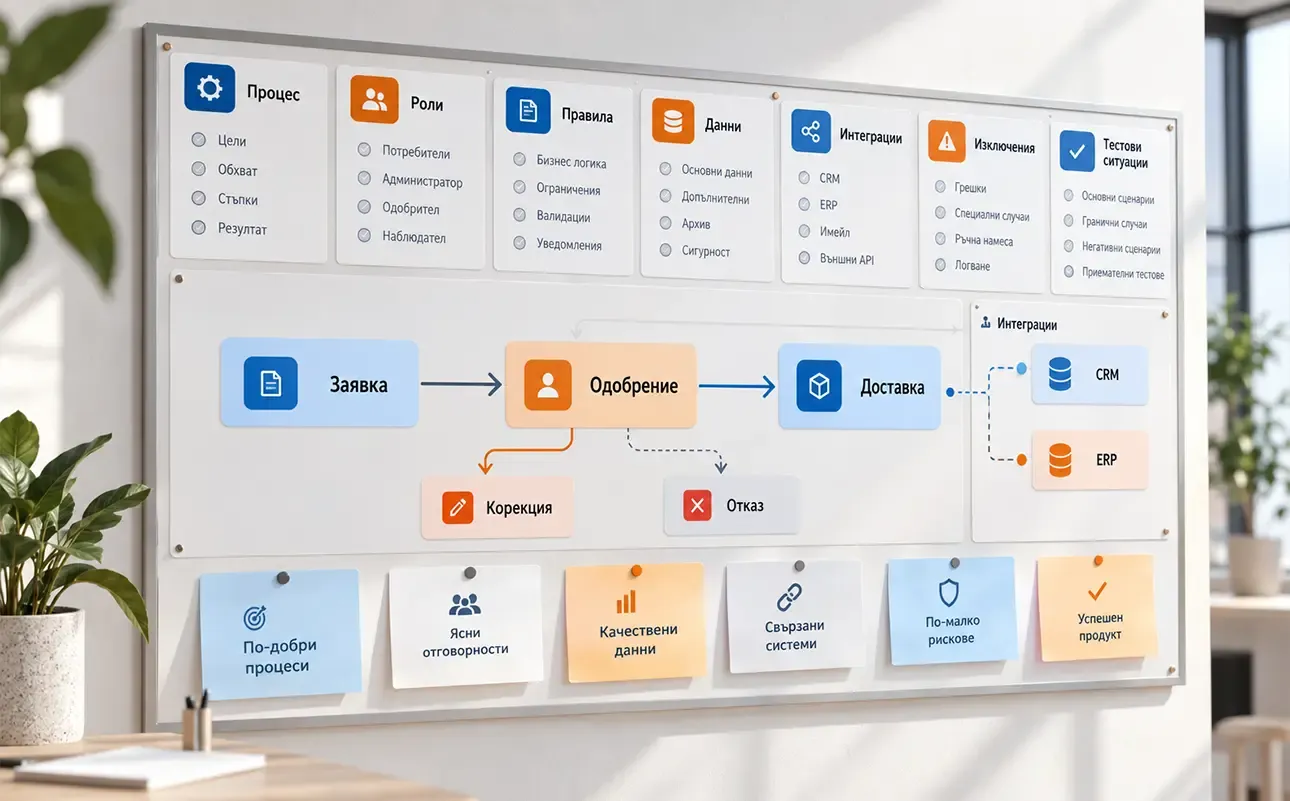

A good brief for a custom web system describes the process it needs to support: who participates, what they do, which data they use and which rules apply. The client does not need to design the architecture or database. Their task is to make the business’s work understandable to the technical team.
You can start with a conversation, sample documents and a description of a specific working situation. A list of desired screens comes later. “We want a dashboard and customer accounts” does not explain the problem those features need to solve.
Show the problem and how you work today
Describe where information gets lost, what is entered twice, what waits for approval and what is difficult to check. Show the steps from beginning to end, including those away from a computer: a clarifying phone call, a warehouse check or a signed document.
Sample spreadsheets, forms and messages help, but remove personal and confidential data before sharing them. Explain which parts of the current workflow are business rules and which are workarounds imposed by the tools.
Distinguish the current process from the desired one. If a decision about how work should happen is still open, record it. Development cannot decide by itself who in the company has authority to approve a request.
Follow one request through its entire lifecycle
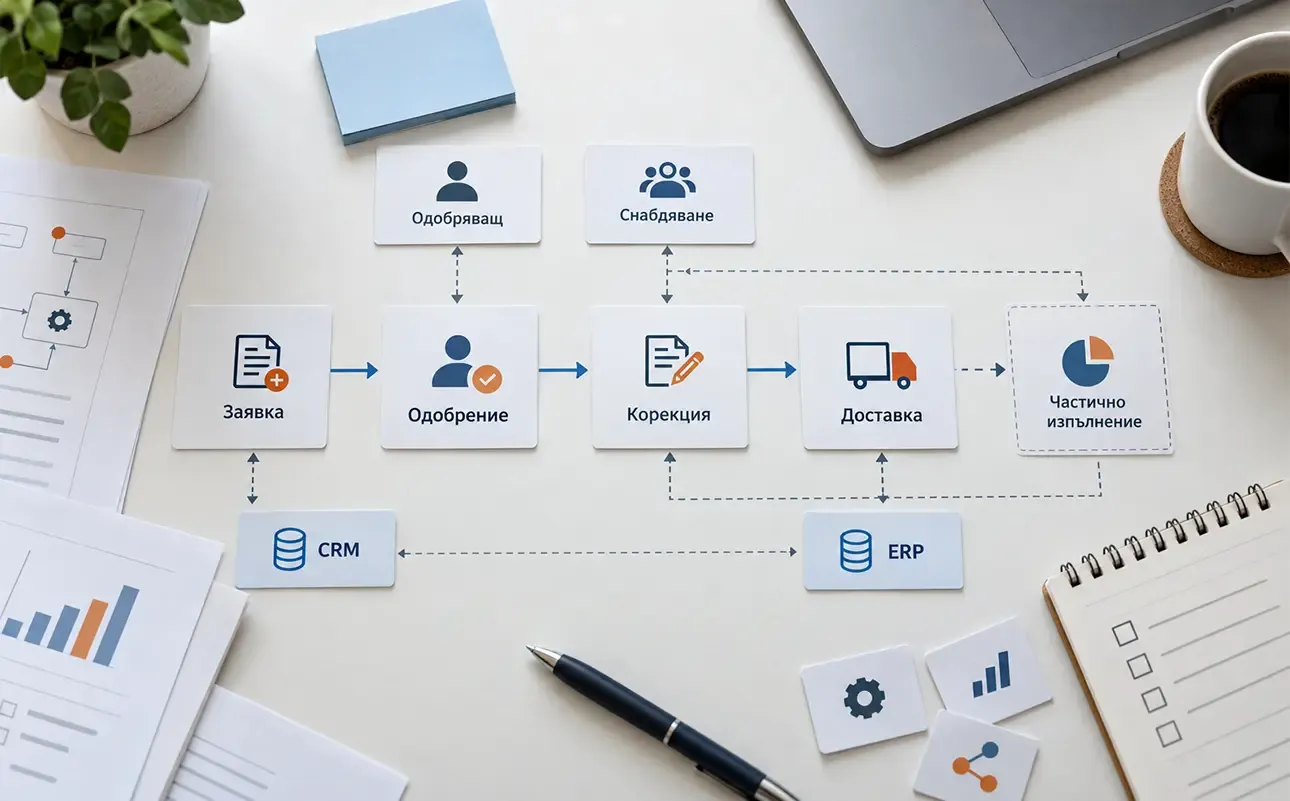
The following is an example, rather than a client project: an employee submits a request to purchase material, a manager approves it and the purchasing coordinator records receipt.
For this process, it must be clear who creates the request, what it contains and when it can move to the next step. “Submitted”, “needs clarification”, “approved” and “received” only make sense when their meaning and who can change them are defined.
Roles, actions and permissions
Describe permissions through the work: employees see their own requests, managers approve requests from their department and purchasing handles approved requests. Specify who can correct information that has already been submitted.
You do not need to invent a technical permissions system. The team needs business boundaries: who can see other people’s data, who makes decisions and which actions need a record for later review. Discuss restrictions on sensitive information before development begins.
Data and dependencies
For each action, specify the information it needs and where that information comes from. Material name, quantity and deadline are different data from approval or delivery confirmation. Show their relationships through a concrete example.
Explain whether the next step requires a result from an earlier one. Can purchasing begin without approval? Can a request be closed when only part of the quantity has arrived? These are working rules the team will translate into a technical solution.
Describe what happens when things do not go to plan
The brief needs more than the successful case. Explain how you handle rejection, missing data, an incorrect value or an unavailable person responsible for a step. Who can send the process back for correction, and who gets notified?
For exceptions decided individually, describe where a person needs to intervene. Every rare situation does not need its own automated scenario. It matters more that the system leaves the team a valid way to continue.
Clarify connections to other tools
If the system will work with ERP, CRM, accounting software or an external service, record what information it needs to receive and send. Specify which system determines the current value and who maintains it.
Add available documentation, access restrictions and a technical contact. Do not promise capabilities on an external provider’s behalf. An unverified integration is a dependency to clarify, rather than a confirmed part of the scope.
Describe the initial data too. What needs to move from the old tool, what is archive material and who will check the information? Preparation and migration involve their own work, even when the new screens are already clear.
Leave room for a simpler solution
A specific workflow does not necessarily require a new web system. Sometimes an existing tool or limited development around the current environment is enough. Assess this against the needs, constraints and maintenance requirements.
For the Palisandar OOD product variation system, the working environment is Google Sheets with additional Apps Script logic. The project illustrates a solution for preparing product data, rather than building a separate web system for every internal task.
Specify what is essential for the first version, what can remain manual and what will be assessed later. Agree on the budget, deadline, decision-maker and the person responsible for using the solution after launch.
Define the outcome through testable scenarios
For the example request, success could be checked as follows: the employee submits it, the correct manager sees it, rejection returns a clear reason and partial receipt does not incorrectly close it. This is more concrete than “the system should be convenient”.
Prepare scenarios like these for the main processes and agree on them with the provider as acceptance criteria. Include the people who will use the system, as well as the person commissioning it. This creates a basis for designing and testing the solution without asking the business to write its technical specification in advance.